What is CBZ / CBR?
Also known as: CBZ, CBR, CB7, Comic Book Archive, comic archive, comic format
In a nutshell
What are CBZ and CBR?
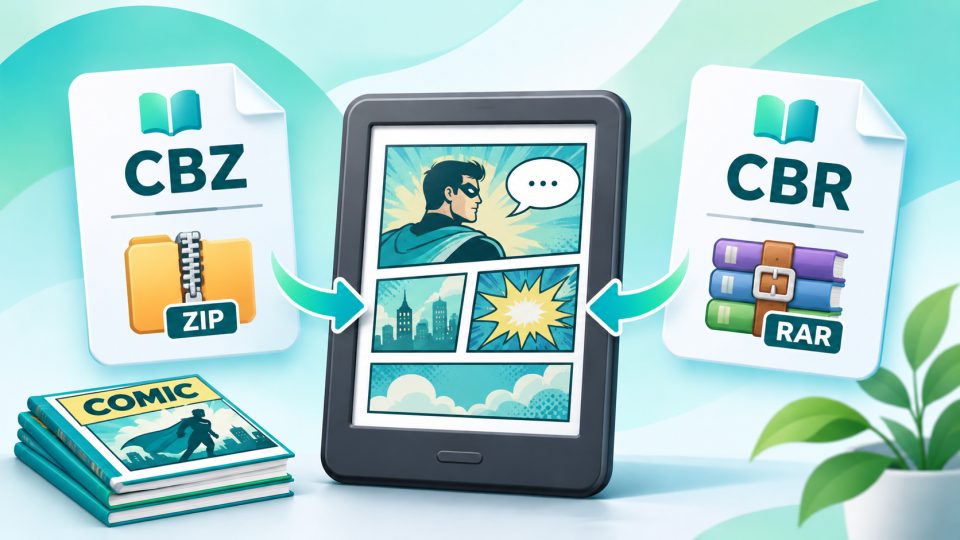
CBZ and CBR are not actual eBook formats in the classic sense, but renamed archives. They contain the pages of a comic or manga as individual image files, usually in JPEG or PNG format. The reader displays them in alphabetical order, page by page.
The letter at the end reveals which archive is behind it:
| Extension | Archive type | Note |
|---|---|---|
| .cbz | ZIP | Most common, open format |
| .cbr | RAR | Common, but RAR is a proprietary format |
| .cb7 | 7z | Rare, supported by few eReaders |
If you rename a CBZ file to .zip, you can open it like any other archive on your computer and view the images. Creating your own comic is just as easy: name the images in the correct order, pack them as ZIP, and change the extension to .cbz.
CBZ or CBR: Which is better?
In terms of content, there is no difference; both contain the same images. In practice, CBZ is usually the safer choice. ZIP is an open format that practically any device can unpack. With RAR archives, depending on the version and compression, it can happen that an eReader cannot open the file.
There is no fixed standard for metadata such as title, series, or volume. Many comic programs add an additional file called ComicInfo.xml to the archive for this purpose.
Which eReaders can open CBZ and CBR?
| Manufacturer | CBZ / CBR | Note |
|---|---|---|
| Kobo | yes | according to Kobo on all current devices |
| tolino | yes | according to tolino specs, for example the vision color |
| PocketBook | yes | directly on the device |
| Kindle | no | not even the Kindle Colorsoft; conversion required |
For Kindle, you need a conversion program. The free Kindle Comic Converter for Windows, macOS, and Linux has proven itself. It optimizes images for E-Ink displays, crops edges, and creates files in EPUB or Kindle format. Alternatively, Calibre helps with conversion. You copy the result to the Kindle via sideloading or send it as EPUB via Send to Kindle.
What to watch out for when reading comics
Display size: Western comics are usually drawn for large print pages. On a 6- or 7-inch display, speech bubbles quickly become tiny. Manga with its smaller original format works significantly better on compact readers. For comics, a device with 8 to 10 inches is more worthwhile.
Color: On a black-and-white reader, colored comics appear in grayscale. Color E-Ink like Kaleido 3 shows the colors, though more muted than on a tablet and with lower resolution than text. For manga, which are usually black-and-white anyway, a classic reader is completely sufficient.
Copy protection: CBZ and CBR files have no copy protection. Purchased comics from eBook shops, on the other hand, usually come as EPUB or PDF, often with DRM, and cannot be easily converted to CBZ.
If you read a lot of comics and manga, the Kobo Libra Colour or the tolino vision color are color readers that open CBZ and CBR directly.
What is the difference between CBZ and CBR?
CBZ is a ZIP archive, CBR a RAR archive. The content is the same: the comic pages as image files. CBZ is usually the safer choice because ZIP works on practically any device.
Can a Kindle read CBZ or CBR?
No, not even the Kindle Colorsoft. You have to convert the files beforehand, for example with the free Kindle Comic Converter or with Calibre.
Which eReaders support CBZ and CBR?
Kobo, tolino, and PocketBook open both formats directly. Kindle readers need a conversion.
How do I create a CBZ file?
Name the images so that their alphabetical order corresponds to the page sequence, pack them into a ZIP archive, and change the extension from .zip to .cbz.
What display size do I need for comics?
Manga works well on 6 to 7 inches. For Western comics with lots of text in speech bubbles, a reader with 8 to 10 inches is significantly more pleasant.