What is EPUB?
Also known as: EPUB, ePub, epub, EPUB3, EPUB 3, EPUB2, Electronic Publication
In a nutshell
What is EPUB?
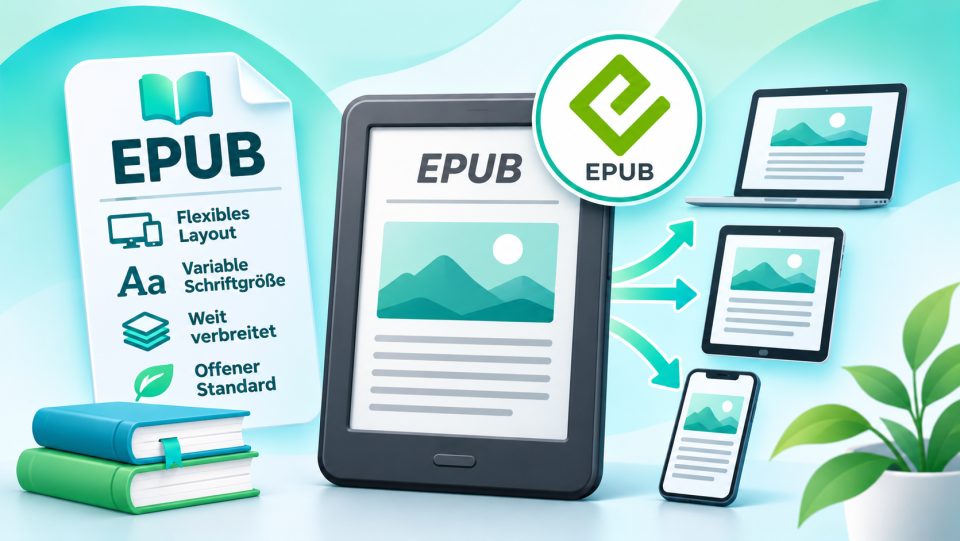
EPUB stands for Electronic Publication and is the open standard for eBooks. No single company owns the format. Since 2017 it has been maintained by the World Wide Web Consortium (W3C), the same body that also standardizes HTML and CSS. Almost all eBook shops except Amazon sell their books as EPUB, and practically every eReader except the Kindle can open them directly.
EPUB's great strength is the reflowable text: You can freely adjust font size, font type, line spacing and margins, and the text automatically wraps to fit the display. A novel looks just as good on a 6-inch reader as on a tablet.
How is an EPUB file structured?
Technically, an EPUB file is a ZIP archive with the .epub extension. Inside are basically small web pages:
- Text chapters in XHTML format, the same language as web pages
- Stylesheets (CSS) that define fonts, spacing and design
- Images such as cover and illustrations
- Metadata with title, author, language and publisher
- Table of contents for navigation within the book
Because EPUB is built on web technology, the format is relatively easy to create and edit, for example with the free editor Sigil or with Calibre.
EPUB 2 and EPUB 3
| Version | Year | What's new |
|---|---|---|
| OEB (predecessor) | 1999 | First open eBook format |
| EPUB 2 | 2007 | First standard under the name EPUB |
| EPUB 3 | 2011 | HTML5, Fixed Layout, Audio, Video, better accessibility |
| EPUB 3.3 | 2023 | Official W3C standard, accessibility firmly integrated |
In addition to reflowable text, EPUB 3 also supports a fixed layout. Each page remains exactly as designed, practical for children's books, cookbooks or comics. With EPUB 3.3, accessibility is also a firm part of the standard. This plays an important role for the European book market because eBooks here must now be accessible.
EPUB and copy protection
EPUB itself does not contain copy protection. However, shops and libraries can add DRM protection:
- Adobe DRM: the classic hard copy protection, tied to an Adobe ID or ByteBooks ID
- LCP: the open copy protection, used primarily by the Onleihe (German library eBook lending service)
- Watermark (Soft DRM): only an invisible note to the buyer, without reading restrictions
Whether an EPUB runs on your reader therefore depends not only on the format, but also on the copy protection.
Which eReaders read EPUB?
| Manufacturer | EPUB | Note |
|---|---|---|
| tolino | yes | Standard format, also with Adobe DRM and LCP |
| Kobo | yes | Kobo additionally uses the KEPUB variant internally |
| PocketBook | yes | also with Adobe DRM and LCP |
| Kindle | only indirectly | via Send to Kindle, Amazon converts to a Kindle format |
Kindle readers cannot read EPUB via USB cable. You send unprotected EPUB files via Send to Kindle, and Amazon converts them into its own format. More on this under AZW3 / KFX. EPUBs with Adobe DRM or LCP cannot be opened on a Kindle at all.
Why EPUB is important for you
If you buy your eBooks as EPUB, you remain flexible: You can switch between tolino, Kobo and PocketBook later without losing your library. For books with Adobe DRM, you only need the same Adobe ID or ByteBooks ID. A good entry into the EPUB world is, for example, the Kobo Clara BW or the tolino vision color.
What does EPUB mean?
EPUB stands for Electronic Publication. It is the open standard for eBooks and is currently maintained by the W3C.
Can a Kindle read EPUB?
Not directly. You send unprotected EPUB files via Send to Kindle, and Amazon converts them. EPUBs with Adobe DRM or LCP do not work on the Kindle.
Which eReaders support EPUB?
tolino, Kobo and PocketBook read EPUB directly, also with Adobe DRM. tolino and PocketBook also support LCP for the Onleihe.
What is the difference between EPUB 2 and EPUB 3?
EPUB 3 is based on HTML5 and additionally supports fixed page layout, audio, video and better accessibility. Most current eReaders read both versions.
How do I open an EPUB file on a PC?
For example with the free program Calibre or with Thorium Reader. You open protected EPUBs with Adobe DRM using Adobe Digital Editions.