Digital Bookshelf: How to Organize Your Books and Ebooks
A digital bookshelf is an overview of your books on a screen: the library on your e-reader, a catalog app for printed books, or a school platform for digital textbooks. It saves space, helps you find any title fast and stops duplicate purchases. Keep your book list independent of any single device, because most purchased ebooks are tied to one store through DRM.
This page has been translated from German.
Your shelves are overflowing, or you simply want to know which books you actually own? A digital bookshelf helps whether you read ebooks, collect printed books or do both. Here you will learn which solutions exist, what the law allows and how to organize your collection so it survives a change of device.
What is a digital bookshelf?
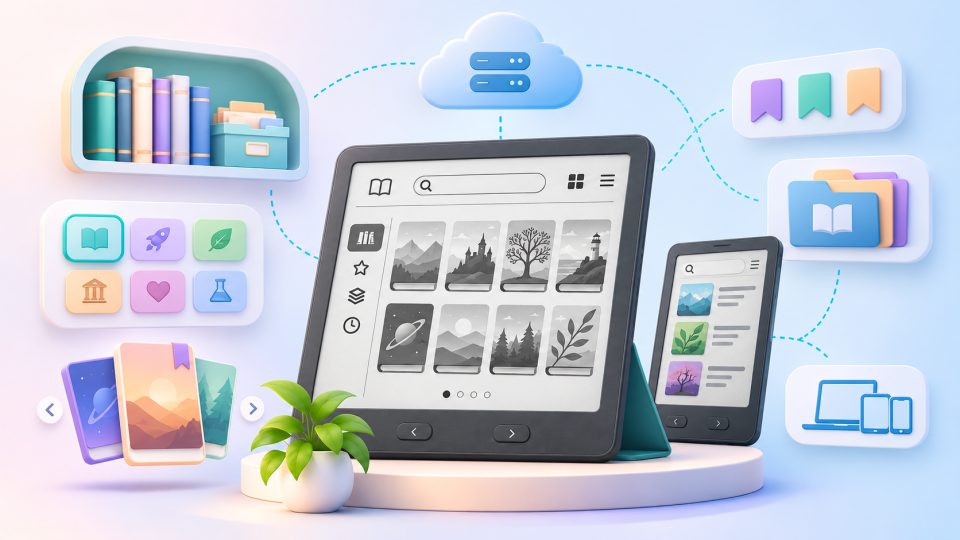
A digital bookshelf is an overview of your books on a screen instead of in your living room. In everyday use the term covers three different things:
| Type | What is behind it? | Examples |
|---|---|---|
| Ebook library | Your purchased and borrowed ebooks on an e-reader or in a reading app | Kindle, tolino, Kobo, PocketBook, Calibre |
| Catalog app for printed books | A database of your paper books with cover, author, location and reading status | BookBuddy, CLZ Books, Goodreads |
| School textbook platform | Digital textbooks that schools or states hand out to students | State and publisher platforms, for example the "Digitales Bücherregal" in the German state of Rhineland-Palatinate |
This guide focuses on the first two types, so on how you manage your own collection as a reader.
How does a digital bookshelf work?
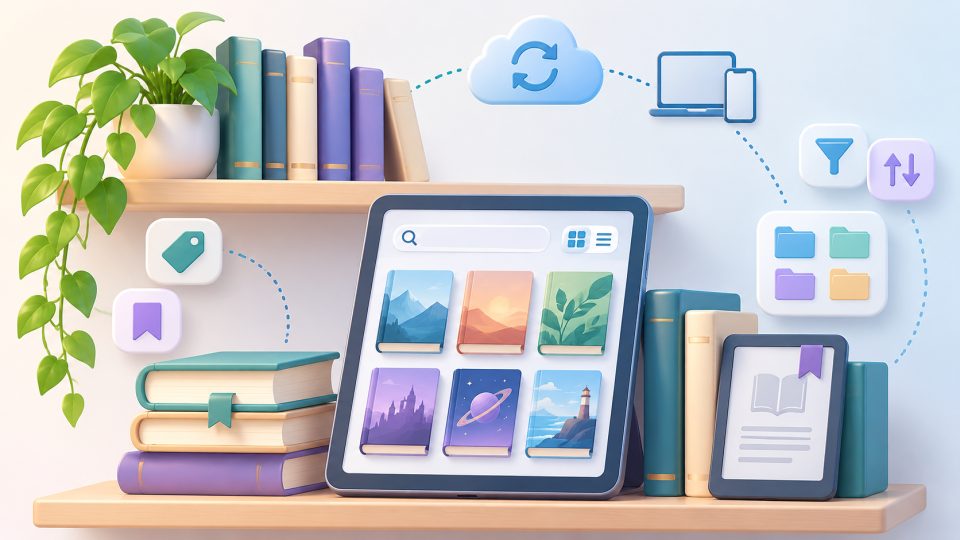
The principle is always the same: every book is recorded with title, author, cover and further details. You can then sort, filter, group into collections and search that data.
- With ebooks this happens automatically. When you buy a book in your reader's store, it lands in your library. Your own files get there by sideloading.
- With printed books you usually scan the ISBN barcode with your phone camera. The app then pulls title, author, publisher and cover from online databases. Books without a barcode can be added by title search or by hand.
What are the benefits of a digital bookshelf?
- More space: An e-reader holds an entire library and still fits in a jacket pocket.
- No more duplicate purchases: A quick look at your phone shows whether you already own a book.
- Find everything fast: Search, filters and collections replace browsing through several shelves.
- Reading lists and statistics: Many programs remember what you have read, what you want to read and who borrowed which book.
From paper to ebook: what is allowed?
Many people want to shrink their shelves and read selected books on an e-reader. There are three ways to do it, and they differ in effort and in legal footing:
| Route | Effort | Legal status |
|---|---|---|
| Buy the ebook edition | low | no problem |
| Download public domain classics for free | low | no problem |
| Scan your own book completely | very high | depends on your country, often not allowed |
Scanning sounds obvious, but the law is trickier than most people expect, and it differs by country:
- Germany: Private copies are allowed in principle, but books have a special rule (§ 53 para. 4 UrhG). Copying a whole book is only permitted if it is in the public domain, has been out of print for at least two years, you copy it by hand, or the rights holder agrees.
- United Kingdom: The private-copying exception was quashed by the High Court in July 2015, so copying a book you own into another format is technically infringement.
- United States: Format shifting for personal use is widely seen as fair use, but the law is not settled. Court cases such as Hachette v. Internet Archive concerned lending, not private scanning.
- Other EU countries: Most have a private-copying exception, but its scope for whole books and for DRM-protected files varies. Check your national rules.
This text is not legal advice. In every country the safest route is the same: buy the ebook.
Our tip: First list the books that should leave your shelf. Then buy ebook editions only of the titles you really want to read again. You can sell, give away or donate the rest, or store them well packed. Classics whose authors have been dead for a long time are free and legal, for example from Project Gutenberg, which offers close to 79,000 ebooks under US law. The public domain rules differ by country, so check the author's death date for your location.
How to manage your ebooks on an e-reader
All major e-readers come with their own library, including sorting and filter functions. With collections you create thematic shelves such as "Crime", "Cooking" or "To read".
- Kindle: The library offers filters, sorting and a collections view. Purchased books are stored in your Amazon account in the cloud.
- Kobo: Collections sync with your other Kobo devices and the Kobo Books app.
- tolino: Finished books disappear from "My books" automatically and move to a "Read books" collection.
- Calibre: The free software for Windows, macOS and Linux manages ebooks from different stores in one shared library on your computer, even if you use readers from several makers.
E-reader or app: where is reading better?
For long reading sessions, a reader with an E Ink display is the better choice. It does not glare, is easy on the eyes and usually lasts weeks on one charge. Reading apps on a phone or tablet are handy for short moments. Kindle, Kobo and tolino sync your reading position between reader and app, so you continue at the same spot on several devices.
Can I read library ebooks on my e-reader?
Often yes, but how depends on your country. In Germany the Onleihe service is built into tolino devices like the tolino vision color and into PocketBook readers, while Kindle devices such as the Kindle Paperwhite do not support it. In the US, library lending typically runs through apps such as Libby. Your local library's website will tell you which services it offers.
Changing devices and DRM: do you own your ebooks?
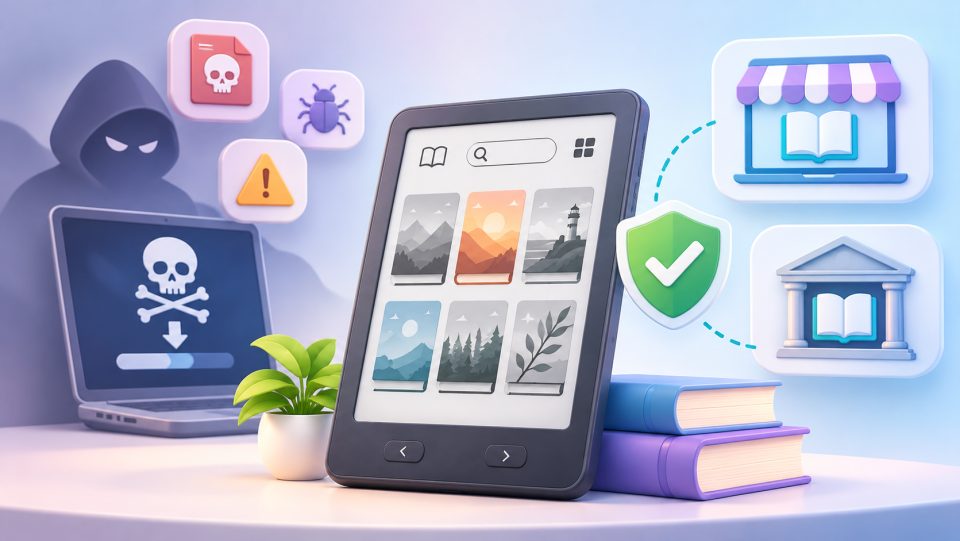
This is the biggest catch of any digital bookshelf. Most purchased ebooks are protected by DRM and tied to the store's system. You buy a license to read, not a file you can take anywhere.
- Kindle: Amazon uses its own formats (AZW3/KFX). Since 26 February 2025, purchased Kindle books can no longer be downloaded to a computer and transferred over USB. They reach the Kindle by Wi-Fi only. Since 20 January 2026 there is at least a download as EPUB or PDF for DRM-free titles that authors or publishers release, available to verified purchasers.
- tolino, Kobo, PocketBook: They rely on the open EPUB format. Books with Adobe DRM can usually be reused across these systems. Moving from one to another often takes a detour through Calibre or Adobe Digital Editions.
- DRM-free books and titles with a watermark can be moved to any device and backed up without trouble.
That is why we recommend not relying only on the library in your reader. Keep your book list separately, for example in Calibre or in a catalog app with an export function.
Catalog apps: how to get your printed books onto the digital shelf
Catalog apps are ideal for the paper books on your shelf. They all work the same way: scan the ISBN barcode, the data is filled in automatically, done.
- BookBuddy (iOS): Barcode scan, lending overview, export as CSV, PDF or HTML. Free for a small collection, with a paid Pro version for more.
- CLZ Books: Built for large collections, with cloud sync and a desktop version.
- Goodreads: More a social network than a catalog, but handy for reading lists and recommendations.
Some programs can even recognize whole shelves from a photo. That saves time but is less reliable than barcode scanning, so check the result afterwards.
How do I keep a large collection organized?
- Set consistent categories: for example genre, language and reading status.
- Note the location: in which room, on which shelf does the book stand?
- Mark lent books: with a name and a date.
- Work in stages: one shelf per evening is more realistic than the whole home in one weekend.
A note for students: school platforms
Some regions run their own digital textbook platforms. The best-known German example is the "Digitales Bücherregal" in Rhineland-Palatinate, a web app in the state education portal where students open the digital textbooks assigned to their class. Access runs through the school's login, not through a reader or catalog app. If you are looking for a platform like this, ask your school or education authority, since each region does it differently.
Is a digital bookshelf safe?
A digital bookshelf is only as safe as the data behind it. With cloud solutions like Kindle or Goodreads, your data sits with the provider. That is convenient for syncing but makes you dependent on their services. If you prefer independence, use Calibre or apps that work purely locally, and back up regularly.
When choosing a tool, make sure an export (for example as CSV) is possible. Only then can you move your book list to another program if a service shuts down or you want to switch. Many services also let you share your collection as a link, list or public profile.
Our conclusion
A digital bookshelf creates space and overview. For ebooks, the library on your e-reader is often enough, and for printed books a catalog app with a barcode scanner does the job. What matters is that you back up your book list independently of a single device. And if you want to move books to your reader, buy the ebook edition of your favorites, because scanning a whole book is legally risky in many countries.
Frequently asked questions
What is a digital bookshelf?
A digital bookshelf is an overview of your books on a screen. It can mean the ebook library on your e-reader, a catalog app for printed books, or a school platform that hands out digital textbooks to students.
What are free options for a digital bookshelf?
For ebooks, the library on your e-reader or the free software Calibre is enough. For printed books, catalog apps such as BookBuddy or CLZ Books offer free tiers for small collections, and Goodreads works well for reading lists.
Can I scan my printed books and read them on an e-reader?
It depends on your country, and the rules are often unfavorable. In Germany, copying a whole book is allowed only in narrow cases. In the UK, the private-copying exception was quashed in 2015, so format shifting is infringing. In the US, it is widely viewed as fair use but not settled. Buying the ebook edition is the safe route.
Can I manage my digital library without the cloud?
Yes. Calibre stores your ebooks locally on your computer, and some catalog apps work without a cloud account. Make regular backups and choose tools with an export function, so you can move your book list later.
Do I own the ebooks I buy?
Usually you buy a license to read, not a file. Most store-bought ebooks carry DRM and are tied to that store's system. DRM-free and watermarked titles can be moved to any device and backed up freely.